Best WiFi Package on Royal Caribbean 2026: The Definitive UK Guide to VOOM Surf & Stream, Prices, Speeds and Savings
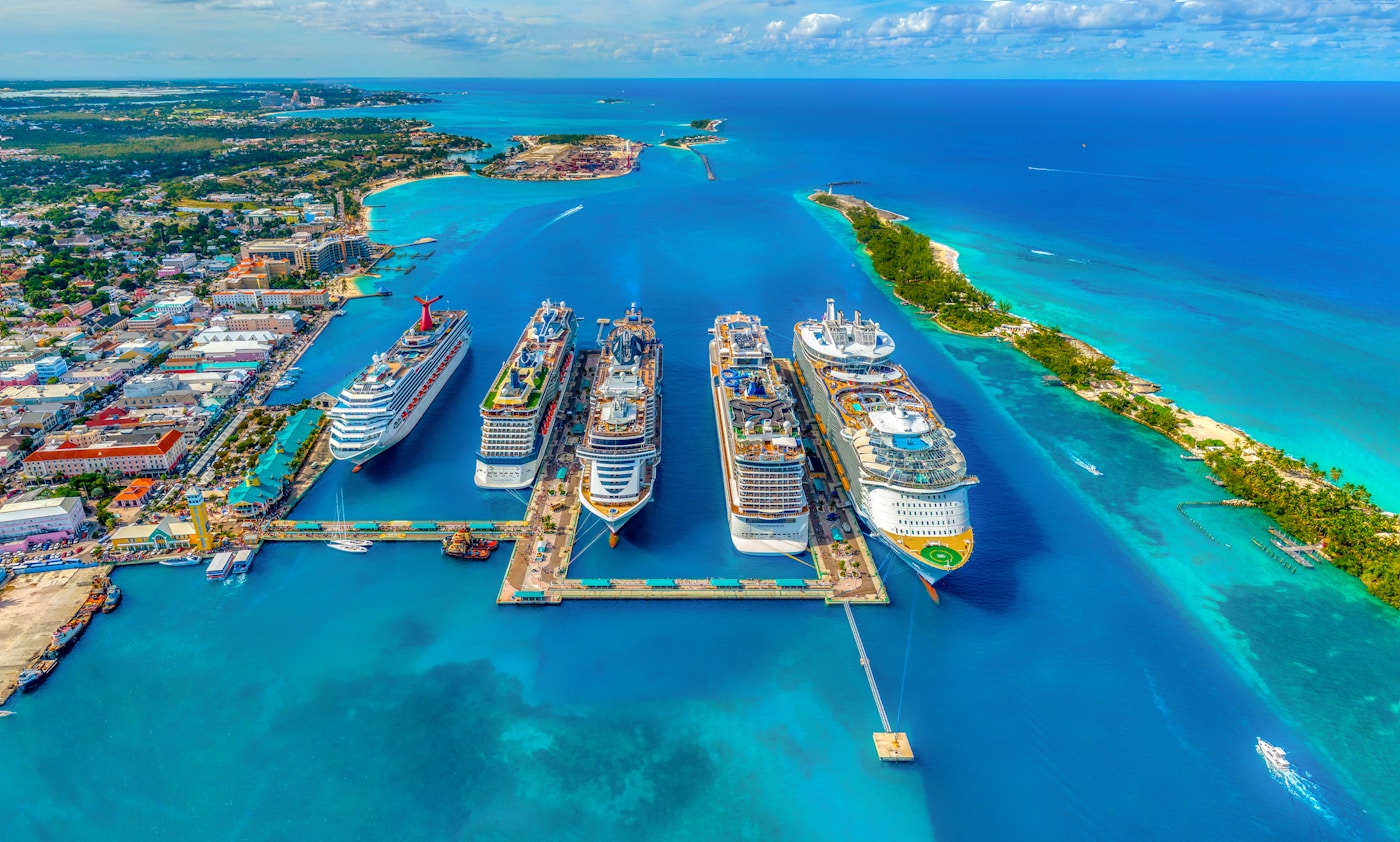
Here’s how it works, what it costs in £, how fast it is with Starlink, and how it compares to P&O, Cunard, MSC and Marella.
If you’re sailing Royal Caribbean in 2026 and wondering which internet plan to buy, you’re not alone. This guide brings you the latest practical advice for UK travellers, including realistic prices in £, how to lock in deals before you sail, and whether VOOM Surf or VOOM Surf + Stream is the best WiFi package on Royal Caribbean 2026.
What is VOOM and what’s changing by 2026?
VOOM is Royal Caribbean’s internet service, delivered over satellite. From 2023 onward, Royal Caribbean Group began rolling out Starlink across the fleet, and by 2024 most ships had transitioned. In practical terms, this means faster, more consistent connections versus older systems—especially helpful for streaming and video calls. By 2026 you should expect VOOM to be widely Starlink-powered, with speeds good enough for mainstream use, though still subject to satellite coverage, ship positioning, and heavy-use periods at sea.
Royal Caribbean’s 2026 packages at a glance: Surf vs Surf + Stream
Royal Caribbean typically offers two VOOM tiers:
- VOOM Surf: Web browsing, email, social media, messaging. Lighter use. Not optimised for video streaming.
- VOOM Surf + Stream: Everything in Surf plus video streaming (e.g., Netflix, YouTube), video calls (Zoom, Teams, FaceTime), large downloads/uploads.
Surf is adequate if you’re only checking emails, news and social apps, and you’re patient during peak times.
| Feature | VOOM Surf | VOOM Surf + Stream |
| Browsing, email, social | Yes | Yes |
| Messaging apps (WhatsApp, iMessage) | Yes | Yes |
| Video streaming (Netflix, iPlayer, YouTube) | Limited/Not supported | Yes |
| Video calls (Zoom/Teams/FaceTime) | Unreliable | Yes (best effort) |
| Large file transfers/cloud backups | Slow | Faster (still variable) |
| Typical pre-cruise UK price (per device/day) | £11–£14 | £14–£18 |
| Typical onboard UK price (per device/day) | £14–£20 | £18–£25 |
| Best for | Light users | Most travellers, families, remote workers |
How much does Royal Caribbean Wi‑Fi cost in 2026? UK price realities
While pricing can change, common UK figures (based on recent 2024–2025 trends) suggest for 2026:
- VOOM Surf + Stream pre-cruise: around £14–£18 per device per day, depending on ship, itinerary and sale.
- VOOM Surf pre-cruise: about £11–£14 per device per day.
- Onboard prices: often £3–£8 higher per day than the best pre-cruise sale rate.
- Multi-device bundles: typically cost less per device than buying single-device individually (e.g., 2-device Surf + Stream might land around £26–£34 per day total in a decent sale).
Always price-check the 2-, 3-, or 4-device bundles—even if you’re a couple—because the per-device rate can be substantially lower than single-device packages.
| Package | Pre-cruise sale (per device/day) | Onboard (per device/day) | Notes |
| VOOM Surf | £11–£14 | £14–£20 | Fine for email/social; not ideal for streaming |
| VOOM Surf + Stream | £14–£18 | £18–£26 | Best overall for 2026 |
| 2-device Surf + Stream (total/day) | £26–£34 | £34–£46 | Often a better per-device rate |
| 3–4 device Surf + Stream (total/day) | £38–£64 | £50–£90 | Great for families/groups |
| Per-day purchase (select ships) | Varies | Varies | Usually pricier vs full-cruise |
- Book early in the Cruise Planner and monitor for sale drops.
- Check bundles: 2–4 device packages can cut the per-device cost.
- Use Crown & Anchor discounts (see below) at checkout when eligible.
- Stack with onboard credit—pre-purchase still often cheaper than waiting.
- If you don’t need internet every day, buy per-day passes strategically (port days vs sea days).
- Share one licence between travellers by signing out on one device and in on another (only one active at a time per licence).
- Avoid buying onboard unless you must—pre-cruise sales are typically lower.
Devices, sharing and the small print
Royal Caribbean sells VOOM by device count per stateroom. A 1-device package allows one device online at a time. You can sign out in the VOOM portal and sign in on another phone/tablet/laptop, but only one device can use that licence concurrently. A 2-device package allows two simultaneous devices, and so on. Families who rotate devices around the cabin often buy one or two licences and take turns—this can be cost-effective if you don’t all need to be connected at once.
How fast is VOOM with Starlink in 2026? Realistic expectations
However, speeds vary by ship hardware, weather, location (higher latitudes like parts of Norway or Iceland can be patchier), and peak usage on sea days. Think of it this way: most of the time it feels like a decent home connection, sometimes it dips to airport lounge, and occasionally—especially during maintenance or extreme weather—it can feel like a rural hotspot.
- Caribbean (winter 2025–2026): Generally excellent; streaming and video calls usually fine except at peak sea-day times.
- Mediterranean (spring–autumn 2026): Strong overall; some brief slowdowns in tight straits or dense port approaches.
- Norwegian fjords/Iceland (summer 2026): Good but more variable—terrain and higher latitude can impact stability.
- Transatlantic repositionings (spring/autumn 2026): Variable. Sea-day congestion can slow things; plan calls early morning or late evening ship time.
- Alaska (summer 2026): Improved year-on-year; still expect occasional dips in remote passages.
What apps and services work best
- Streaming: Netflix, Prime Video, YouTube, Disney+ and BBC iPlayer generally work on Surf + Stream. Quality may adapt to available bandwidth.
- Calls: Zoom, Microsoft Teams, Google Meet and FaceTime/WhatsApp video usually function well on Surf + Stream. Switch to audio-only if it stutters.
- Cloud: iCloud, Google Photos and OneDrive backups work, but large uploads can slow down. Schedule big syncs overnight.
VPNs frequently connect, but some corporate VPNs use strict protocols that may be throttled or blocked intermittently. Remote desktops (e.g., Citrix, RDP) can be usable on Surf + Stream but are sensitive to latency. UK banking apps and MFA text codes typically work well; keep roaming enabled for SMS codes if required, or set up an authenticator app before you sail.
The best family strategy for 2026
If you’re a couple or family, a 2- or 3-device Surf + Stream bundle often beats multiple single-device buys. For a family of four, two devices is usually the sweet spot: parents stay connected, kids hop on to message friends or upload photos when one parent logs off. On sea days when everyone wants to stream, rotate access or temporarily add a per-day device if available on your sailing.
- Buy a 2-device Surf + Stream bundle in a pre-cruise sale.
- Assign one slot to a phone for constant messaging and notifications.
- Keep the second slot flexible—log in on a tablet/laptop for a work call, then sign out and let a teen stream a film.
- Use offline downloads for Netflix/Spotify before sailing to reduce live streaming needs.
- If you need a third device for a big work day, add a single-day device onboard (if offered) rather than upgrading the entire cruise.
Crown & Anchor loyalty discounts in 2026
Crown & Anchor Society members often receive a percentage discount on internet packages. Typical past patterns have been roughly 15% for Diamond, 20% for Diamond Plus and up to 30% for Pinnacle, though offers can vary and are subject to change. Check the Cruise Planner while logged into your account—the discount should apply automatically. If the sale price plus your loyalty discount beats any prior rate you’ve locked in, cancel and rebook.
| Tier | Indicative internet package discount | Where it applies |
| Diamond | Approximately 15% | Often in Cruise Planner or onboard |
| Diamond Plus | Usually 20% | Often in Cruise Planner or onboard |
| Pinnacle Club | Up to ~30% | Often in Cruise Planner or onboard |
| All tiers | Varies by sailing | Always verify during checkout |
Southampton sailings in 2026: what UK cruisers should expect
For 2026 ex-UK sailings from Southampton (ship deployment subject to change), VOOM performance is generally solid. Expect stronger connectivity in the Bay of Biscay and Mediterranean legs, with more variability in the Norwegian fjords or Iceland due to geography and satellite angles. Buy Surf + Stream if you’re planning to stream on sea days between UK and Iberia, or rely on work calls.
In narrow fjords, mountains can block line-of-sight to satellites and reduce speeds briefly. Download maps and excursion docs offline the night before.
Port day alternatives: save your VOOM minutes and £
If you don’t need internet at sea all the time, use shoreside options on port days. Most European ports have 4G/5G that outpaces ship Wi‑Fi, and many cafés offer free fast Wi‑Fi. Consider a pay‑as‑you‑go eSIM for the region if your phone is unlocked.
- Airalo and Holafly: easy app purchase, instant activation. Great for the Med and Canaries.
- Local SIM kiosks: often cheap, but mind store hours on Sundays/holidays.
- Roaming on your UK plan: check your fair-use policy and daily caps before sailing.
Royal Caribbean vs rivals in 2026: who has the best Wi‑Fi?
Here’s how Royal Caribbean stacks up for UK cruisers versus P&O, Cunard, MSC and Marella as we head into 2026.
| Cruise line | Package tiers (typical) | Typical UK price range (per device/day) | Notes |
| Royal Caribbean | VOOM Surf; VOOM Surf + Stream | £11–£26 | Starlink widely deployed; strong streaming support |
| P&O Cruises | Essential; Ultimate | £10–£24 | Essential for browsing, Ultimate for streaming; variable by ship |
| Cunard | Essential; Premium | £10–£25 | Newer plan names; Premium supports streaming on most ships |
| MSC Cruises | Browse; Browse & Stream (or Premium) | £8–£22 | Good value in Med; speeds vary by ship/itinerary |
| Marella Cruises | Standard; Premium | £8–£18 | Often keen pricing; coverage varies regionally |
| Bonus: Disney/Norwegian (context) | Basic; Premium tiers | £12–£30+ | Often pricier; quality improving fleetwide |
In 2026, Royal Caribbean’s Surf + Stream is among the most consistently robust options for streaming and calls—especially on the newest ships and popular routes. P&O and Cunard have closed the gap with streaming tiers, MSC often undercuts on price in the Med, and Marella can be a bargain.
Working from sea in 2026: Zoom, Teams and beyond
Schedule critical calls early morning or late evening ship time when fewer guests are online. If video stutters, switch to audio-only and screen share slides sparingly. Always keep a backup dial-in option via mobile roaming if near shore.
Gaming, consoles and latency in 2026
Casual online gaming can work on Surf + Stream, but expect higher latency (ping) than at home. Cloud gaming is hit-and-miss. Console updates are huge—download them before you sail. Some peer-to-peer services and certain ports may be blocked. Mobile games that don’t require constant low latency fare best.
Cruise Planner in 2026: how to book Wi‑Fi at the best rate
The Cruise Planner remains the best place to buy VOOM at a discount before you board. Prices are dynamic and tied to your specific sailing. You’ll see single- and multi-device options; sales come and go. If you see a price you like, grab it, then keep checking—Royal lets you cancel/rebook if it drops again.
- Log into your Royal Caribbean account and open Cruise Planner for your 2026 sailing.
- Navigate to Internet & More and choose VOOM Surf + Stream or Surf.
- Compare single vs multi-device bundles; note per-device price.
- Add to basket. If you have Crown & Anchor discounts, they’ll typically appear at checkout.
- Pay in £ with your card or onboard credit.
- Re-check weekly for price drops—cancel/rebook if it gets cheaper.
Upgrading or downgrading onboard
Onboard, visit Guest Services or the VOOM portal to upgrade from Surf to Surf + Stream or add devices. Downgrades/refunds are at the ship’s discretion and may not always be available. If you’re unsure, start with Surf + Stream pre-cruise to avoid mid-sailing faff.
Full-cruise package vs per-day passes
Full-cruise packages are the best value for most guests. However, if you only need connectivity on a couple of sea days, check onboard for per-day pricing. It’s usually higher per day than pre-booking a full-cruise package, but can still be cheaper overall if you truly only need one or two days.
Sharing a package across your devices (legally)
Royal makes it easy to move a single-device licence between your phone, tablet and laptop—just log out of one and into another via the VOOM portal. It’s a perfectly acceptable way to keep costs down if you only need one device actively connected at a time. Remember that multi-device packages are better when two or more people require simultaneous access.
- Morning: Phone connected for messages and news.
- Midday: Log phone out; log laptop in for work tasks.
- Evening: Log laptop out; log tablet in for streaming a film.
- Overnight: All devices logged out; schedule offline downloads only.
Troubleshooting Wi‑Fi onboard
If your connection misbehaves, a few quick steps solve most issues. Save time by trying these before queuing at Guest Services.
- Forget the ship network on your device, then rejoin and re-authenticate in the portal.
- Toggle airplane mode on/off; ensure you’re not stuck on a poor roaming signal.
- Clear your browser cache; try a different browser for the captive portal.
- Manually set DNS to 1.1.1.1 or 8.8.8.8 if sites won’t resolve (advanced users).
- Restart your device; close heavy background apps (cloud backups, auto-updates).
If VOOM is down: refunds and credits
If service is widely degraded or unavailable for a significant period, Royal Caribbean may issue partial refunds or onboard credit for the affected days. Keep screenshots of error messages and note times. Visit Guest Services or use the VOOM help page onboard to log the issue.
Itinerary watch-outs: transatlantic 2026
On repositioning voyages with long stretches at sea, the network can feel busiest midday when everyone is streaming and uploading. Surf + Stream will still outperform Surf here—especially for calls.
Sea days create sustained peak loads. On port days, many guests get online ashore, which can improve onboard speeds for those who stay on the ship. If you’re cruising in school holidays, assume higher load throughout.
Under the bonnet: antennas, satellites and why it varies
Even with Starlink, ships rely on complex antenna arrays, onboard networks and satellite beams that shift as you move. Weather, sea state and local regulations can also influence performance. Royal Caribbean continues to upgrade hardware and software—2026 should see incremental reliability gains compared with early Starlink rollouts, but no satellite service is immune to variability.
Use HTTPS sites, keep your device updated, and avoid sensitive transactions on unknown public Wi‑Fi ashore. Onboard VOOM is a secured network, but best practice still applies—use two-factor authentication and reputable password managers. Avoid P2P services and any activity that breaches shipboard policies.
Photo idea: Guest on a Royal Caribbean pool deck with a smartphone, sunlit ocean backdrop, illustrating fast connectivity at sea (alt text: Royal Caribbean guest using fast Wi‑Fi overlooking the wake).
Real-world tests that inform our 2026 advice
On Odyssey of the Seas (Med, 2023), Teams calls were stable early mornings.
The bottom line: the best Wi‑Fi package on Royal Caribbean 2026
For most UK travellers in 2026, the best Wi‑Fi package on Royal Caribbean is VOOM Surf + Stream, bought in advance during a Cruise Planner sale. It supports streaming, video calls and cloud apps with far fewer compromises than Surf. If you only browse and message, Surf is fine. Families should price 2–4 device bundles, and remote workers should plan calls in off-peak windows for the smoothest experience.
- Buy Surf + Stream pre-cruise for the best balance of speed and features.
- Expect around £14–£18 per device per day in a decent 2026 sale (Surf an estimated £11–£14).
- Use Crown & Anchor discounts and rebook if the price drops.
- Consider 2–3 device bundles for couples/families to lower per-device cost.
- Plan heavy tasks off-peak; pre-download shows and maps before sailing.
Frequently Asked Questions
Is VOOM Wi‑Fi worth it on Royal Caribbean in 2026?
Yes—especially if you value messaging, navigation, banking and entertainment. With Starlink, Surf + Stream usually supports video calls and streaming reliably enough for most travellers. If you only need basic browsing, Surf is the cheaper choice.
How much will Royal Caribbean Wi‑Fi cost in 2026 in £?
Expect around £11–£14 per device per day for Surf and £14–£18 for Surf + Stream when bought pre-cruise in a sale. Onboard prices are often £3–£8 higher per day. Multi-device bundles can lower the per-device cost further.
Can I share one Wi‑Fi package across multiple devices?
A 1‑device package allows only one active device at a time, but you can log out of one device and log in on another. For simultaneous access, buy a 2-, 3- or 4-device package.
Will VOOM work for Zoom and Teams calls in 2026?
On Surf + Stream, yes in most cases—plan calls early morning or late evening ship time to avoid peak congestion, and be ready to switch to audio-only if needed. Surf is not recommended for video calls.
How does Royal Caribbean’s Wi‑Fi compare to P&O, Cunard, MSC and Marella in 2026?
Royal Caribbean’s Surf + Stream is among the strongest for streaming and calls, particularly on Starlink‑equipped ships and mainstream routes. P&O and Cunard offer similar two-tier systems with streaming support, MSC often undercuts on price in the Med, and Marella can be excellent value—though speeds vary by ship and itinerary.
Related articles
- Can You Bring Your Own Alcohol on a Cruise? 2026 Rules Explained
- Can You Use Your Phone on a Cruise Ship in 2026? Independent Planning Guide
- How to Stay Healthy on a Cruise Ship in 2026
- Royal Caribbean Drink Package Cost 2026: The Complete Breakdown
- P&O vs Royal Caribbean: Which Is Better in 2026?
- Do cruise ships have laundry facilities in 2026?